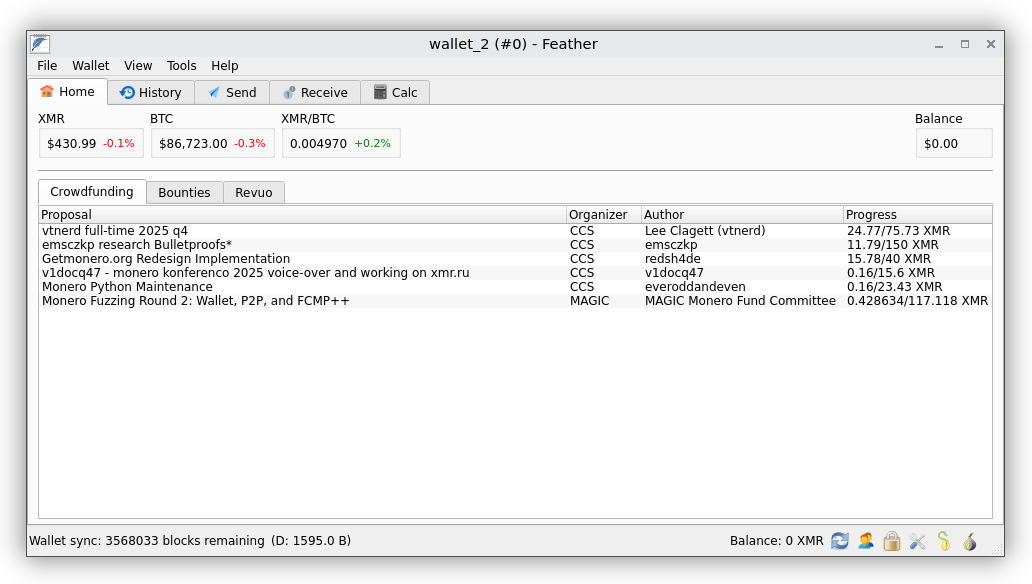
Dec 14 2025
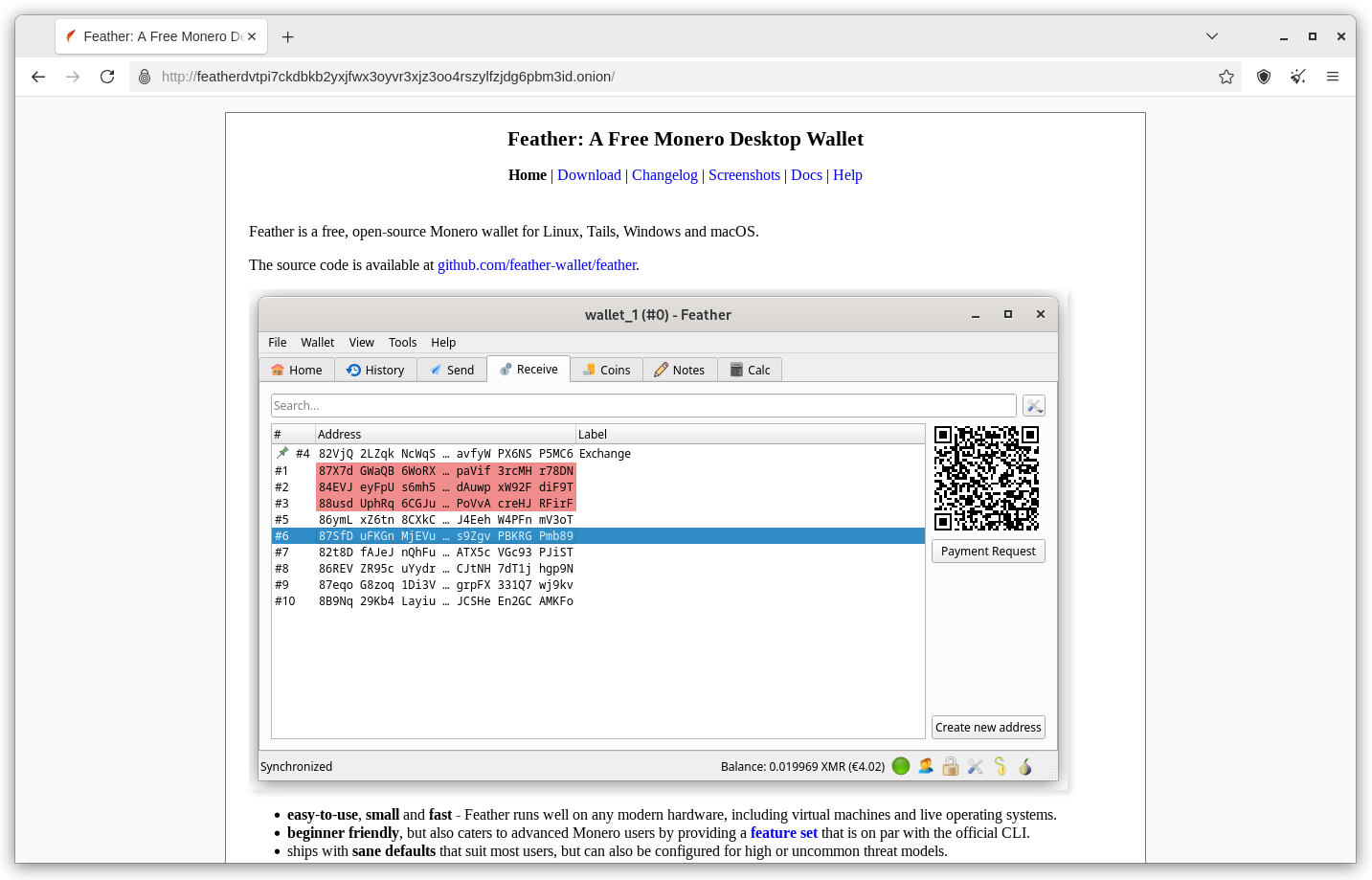
Using Tails or Whonix, you will find the Featherwallet onion here.
Click on "Download" near the top of the screen.
Click on the Tails/Whonix AppImage and download it.
If using Tails move the AppImage into your persistent storage when download completes.
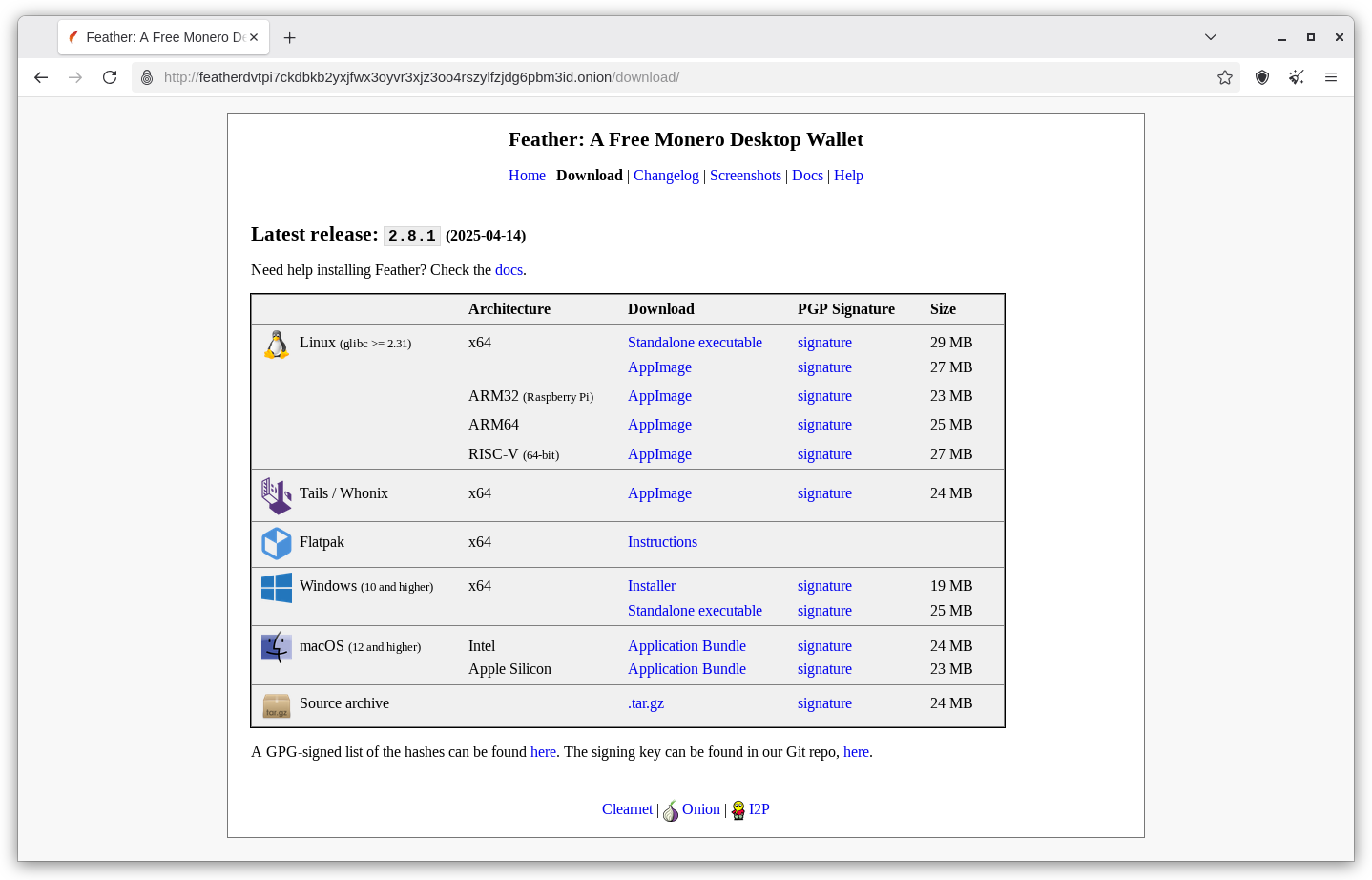
This link describes how to verify the AppImage file using PGP.
Right-click on the AppImage → Properties → Permissions. Make sure “Allow executing file as program” is enabled. You will only have to do this once.
To start Feather, simply double-click on the AppImage.
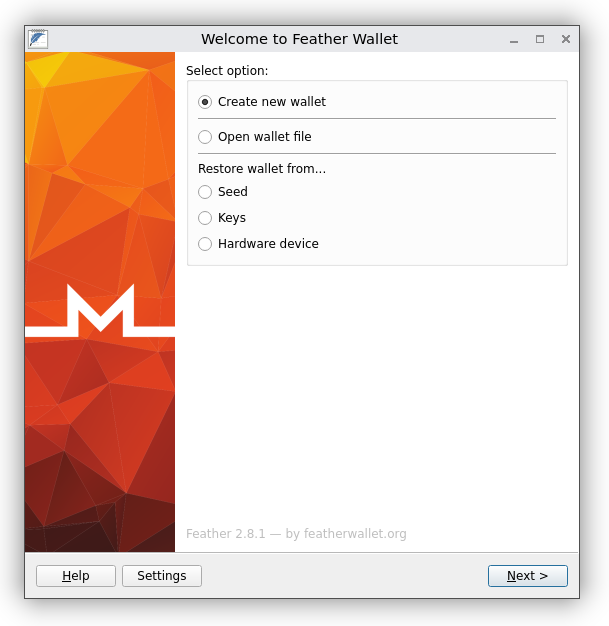
Tick 'Create new wallet' and click 'Next'
Copy your 16 word 'seed'. Save it as password in KeepassXC password manager.
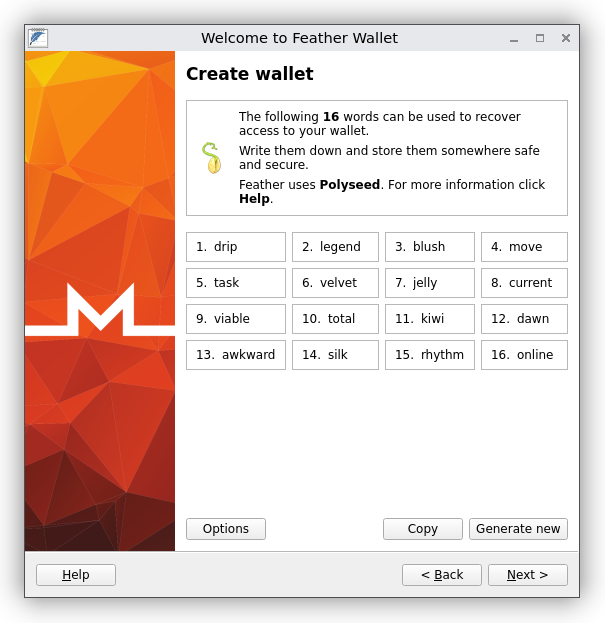
Read this important warning message very carefully. Select 'I understand'

Name your wallet. Select 'Next'

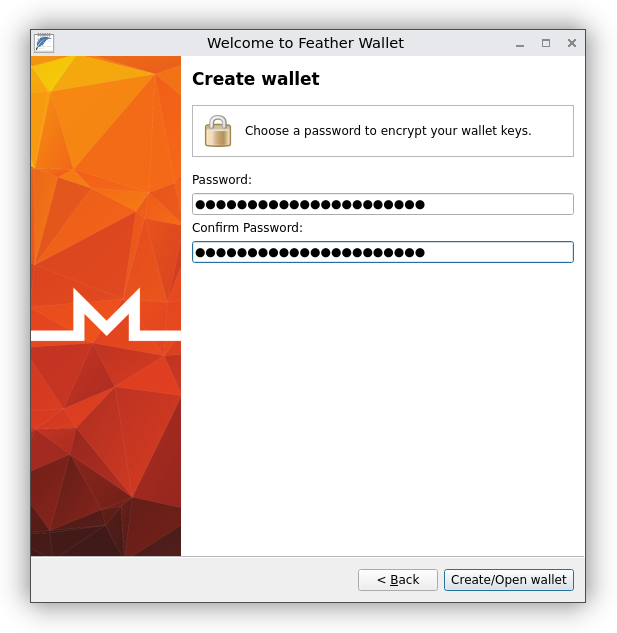
Create a strong passphrase to protect your wallet. Click on 'Create/Open wallet'
Your wallet will now synchronize. This could take awhile. You did it, hurray!