Jan 12 2026
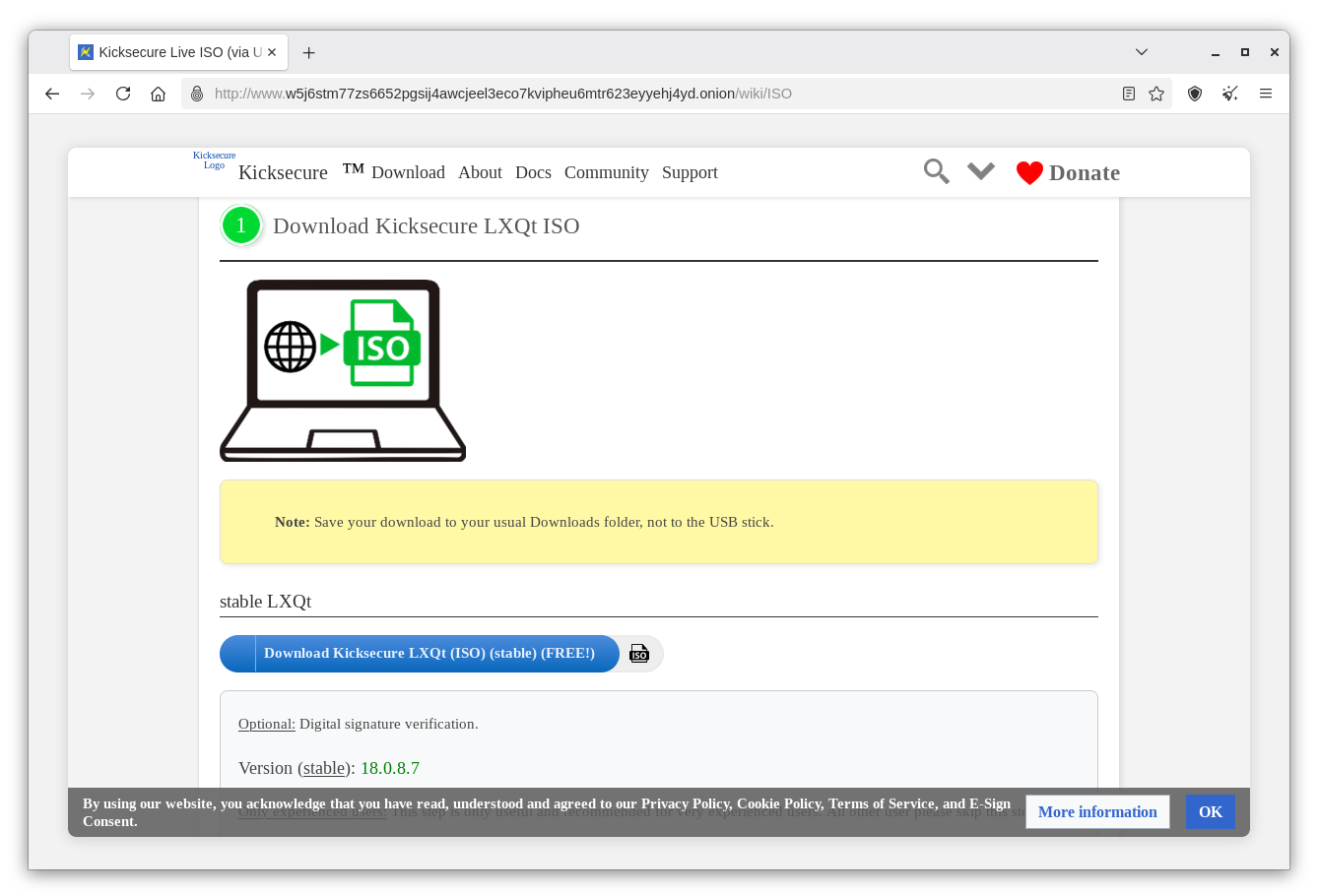
Enter Kicksecure Onion here. Click on 'Download Kicksecure LXQt (ISO)(Stable)(FREE)'
Click here. Follow the instructions to burn your kicksecure iso to a usb or dvd.
See Enter BIOS for instructions to change boot settings. Boot from your usb or dvd.
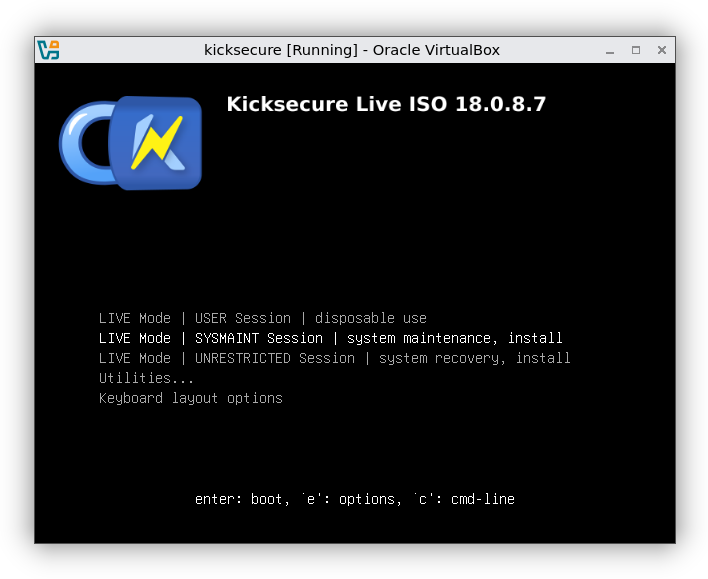
Select 'Live Mode | SYSMAINT Session | system maintenance, install', Hit Enter.
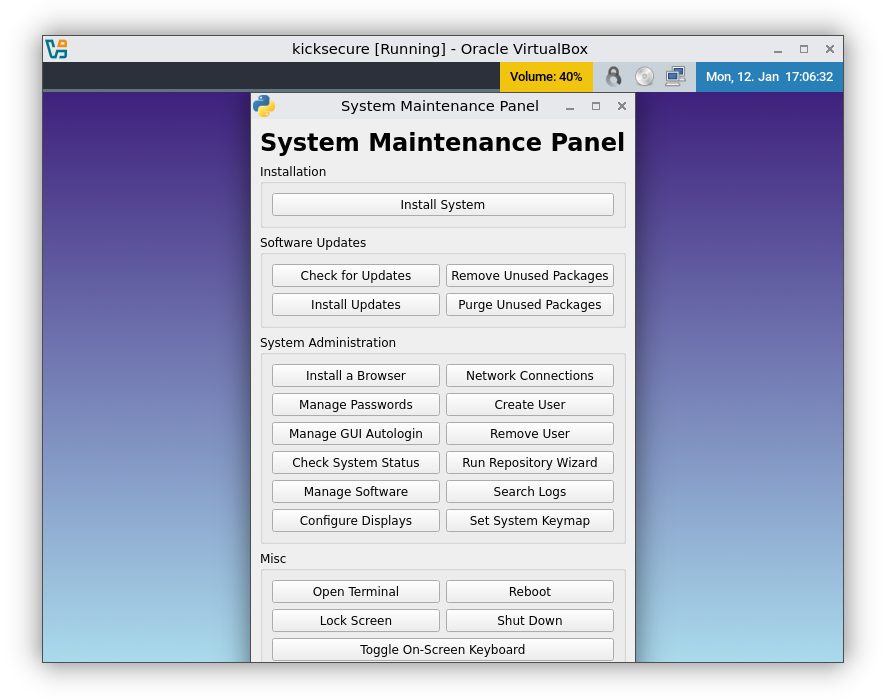
Select 'Install System'
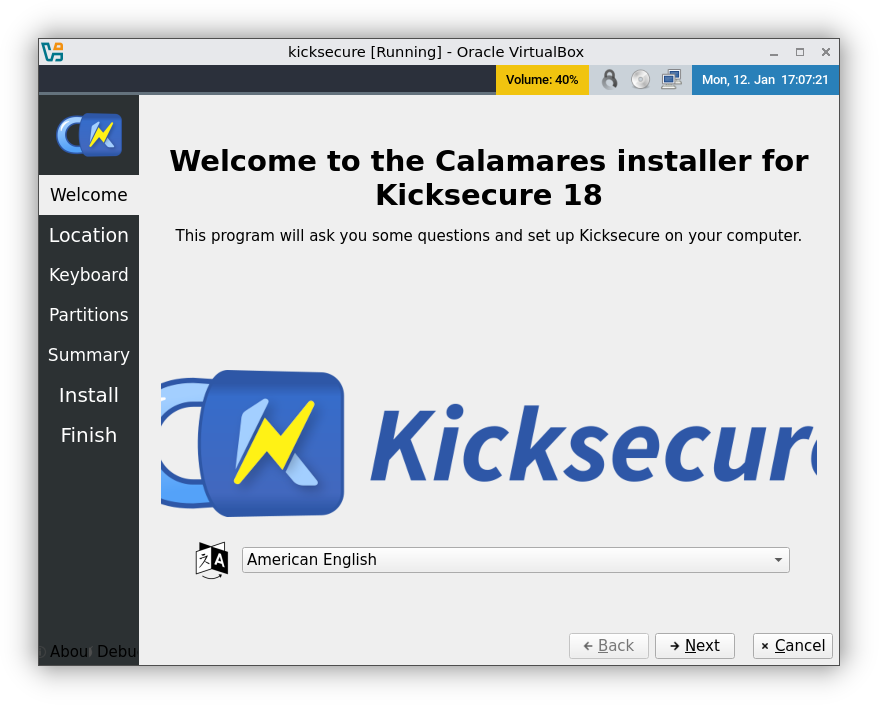
Click 'Next'
Select Time Zone. Click 'Next'
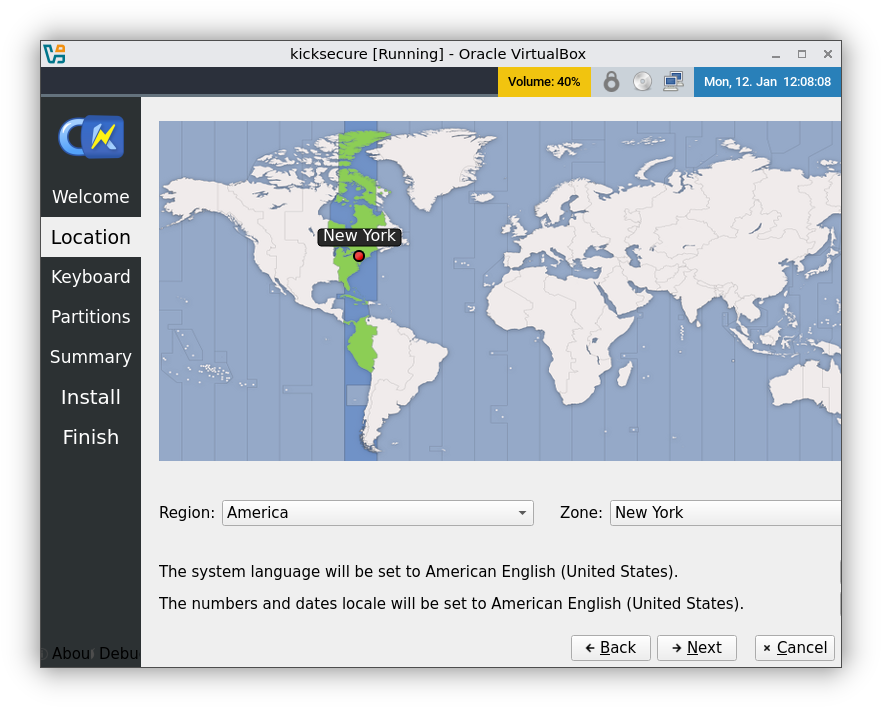
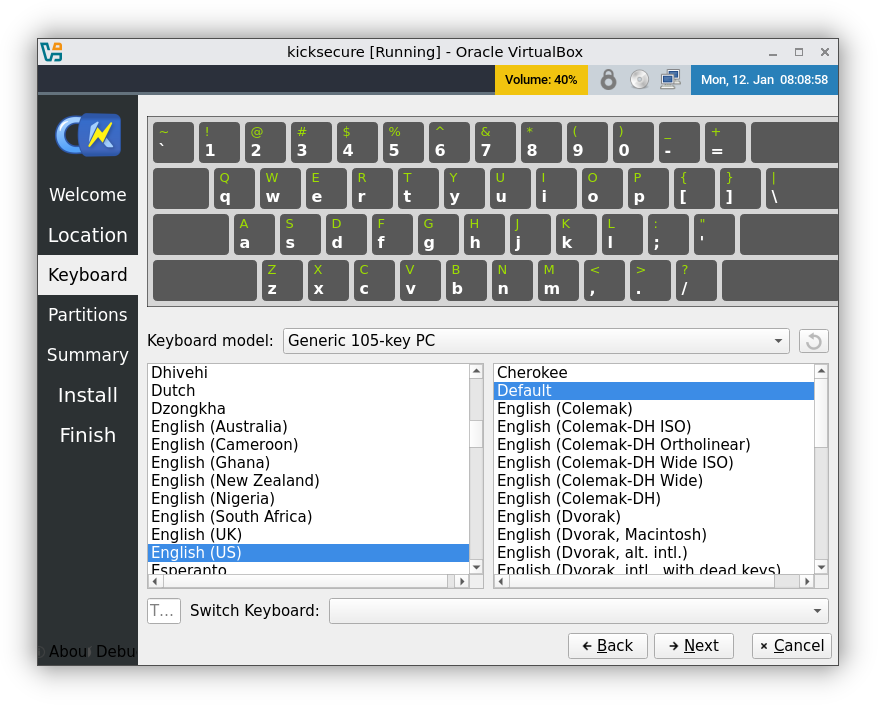
Click 'Next'
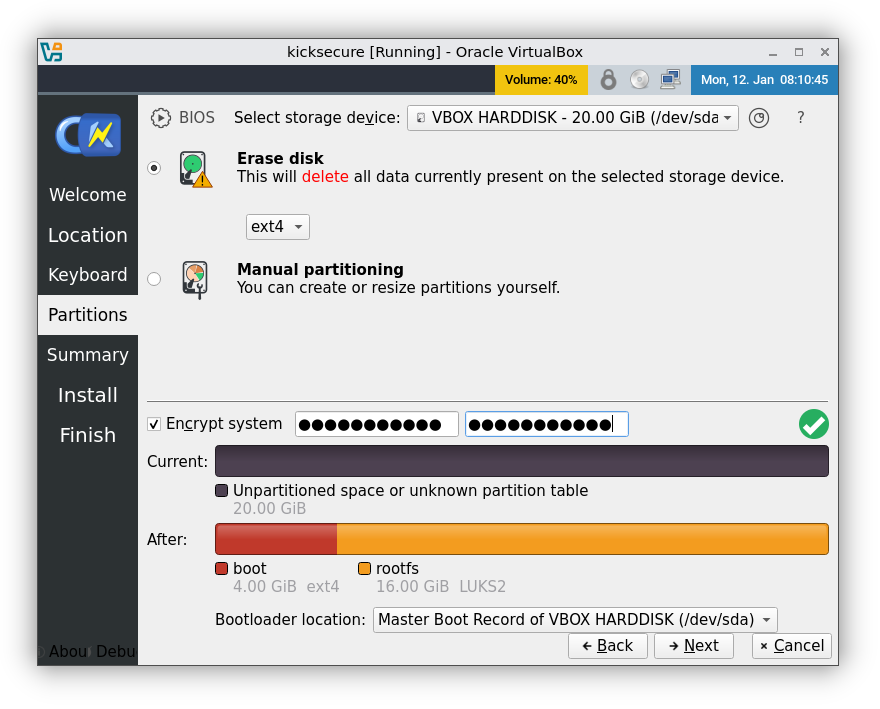
Select Storage Device. Tick Erase Disk. Enter Password. Click 'Next'
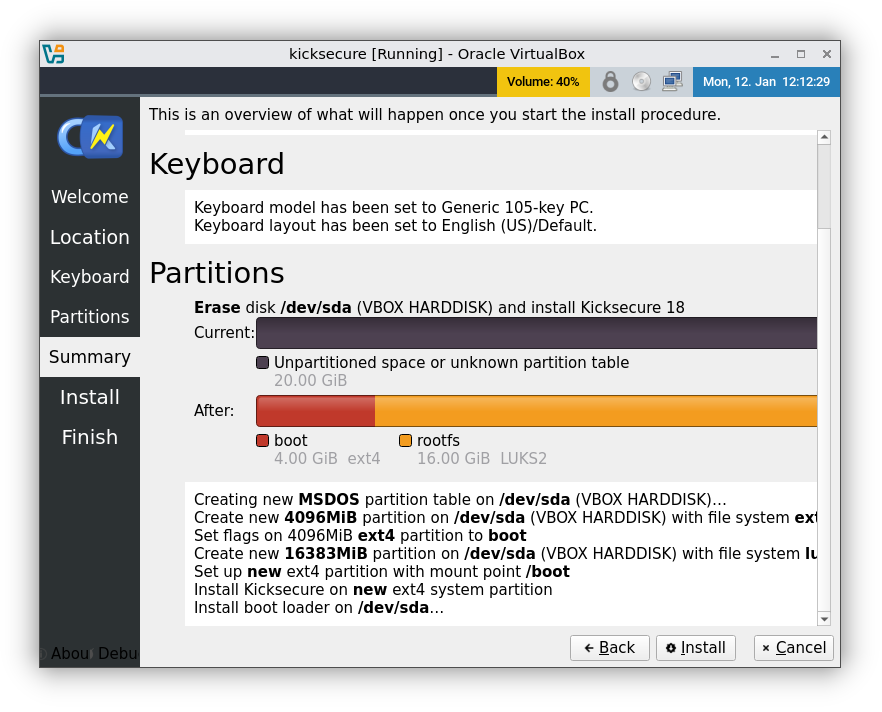
Click 'Install'
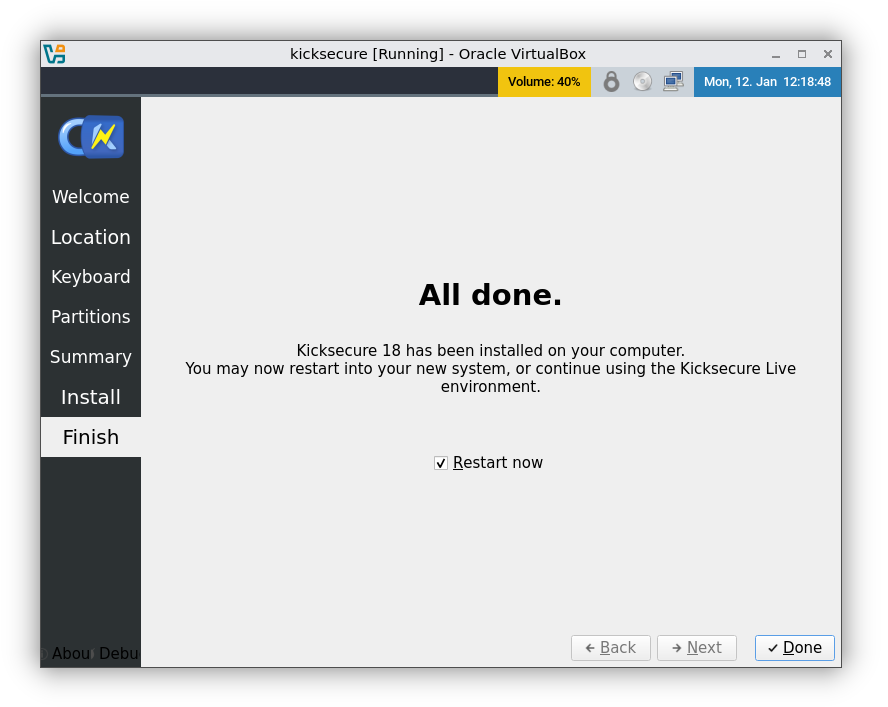
Click 'Done'. When your pc powers off you can remove the kicksecure usb or dvd.
The First thing you should do is enter 'Sysmaint' mode upon booting and update kicksecure.
After updating Kicksecure you can install Whonix in sysmaint mode with this command:
whonix-lxqt-installer-cli
note: This command may fail to execute on first try. Just enter re-enter command and wait.
Once Whonix is installed, start gateway and workstation in sysmaint mode and update them.
Remember to disable JavaScript in Tor Browser. That's all.