Dec 3 2025
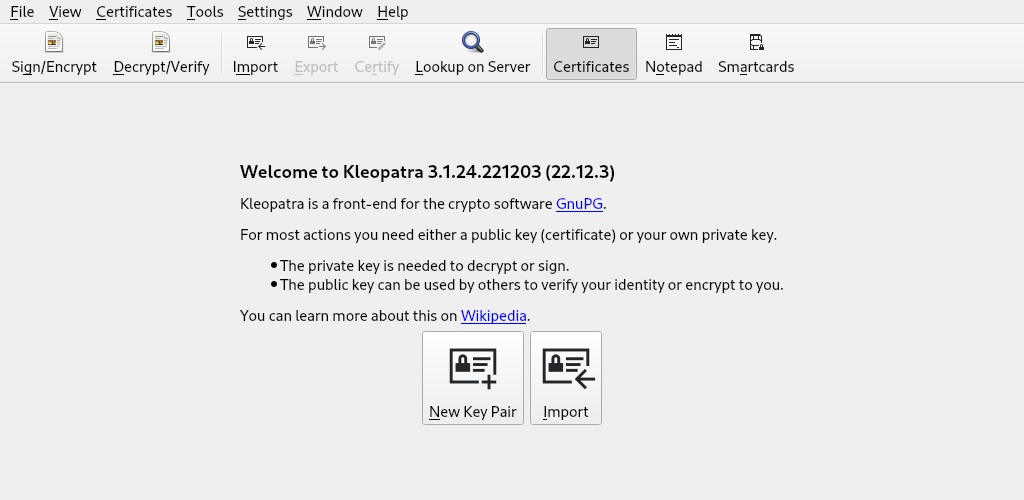
Kleopatra is a certificate manager and a universal crypto GUI. You can create keys with it and encrypt/decrypt messages or photos using PGP.
sudo apt install scdaemon kleopatra
Click on 'New Key Pair'.
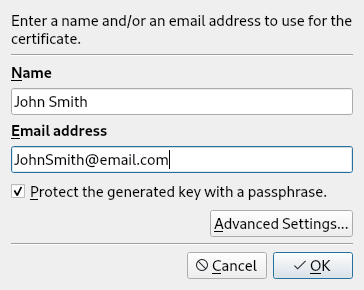
Enter a fake name and fake email address for anonymity.
Check the box that says 'Protect the generated key with a passphrase'. Click 'OK'.
On the next window that pops up, enter a secure password. Enter it again. Click 'OK'.
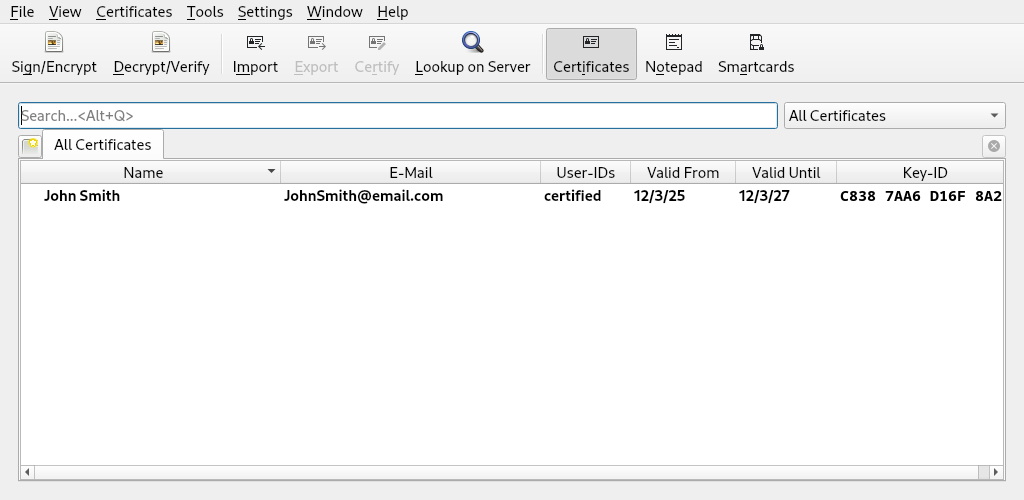
The next screen should indicate success. You created a key pair. Click 'OK'.

See the certificate which represents your newly created keys? We'll use these soon.
First, get your friend's public PGP key and save it with the .asc file extension.
For this example, we'll use the public PGP key from our friends at anarsec.guide.
Now click on 'Import' and select the text file where you saved your friend's public PGP key.
Click 'Import'.
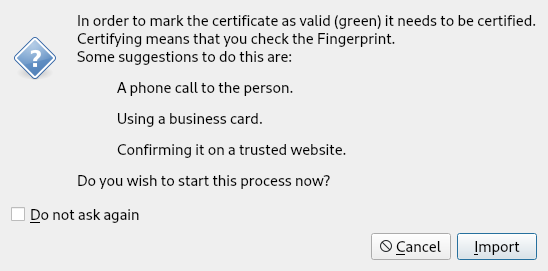
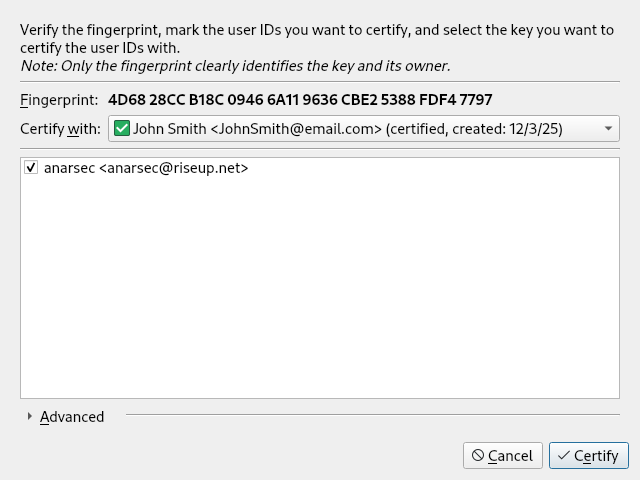
Click 'Certify'.
Enter the password you created to protect your key pair.
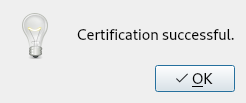
Success! Click 'OK'.
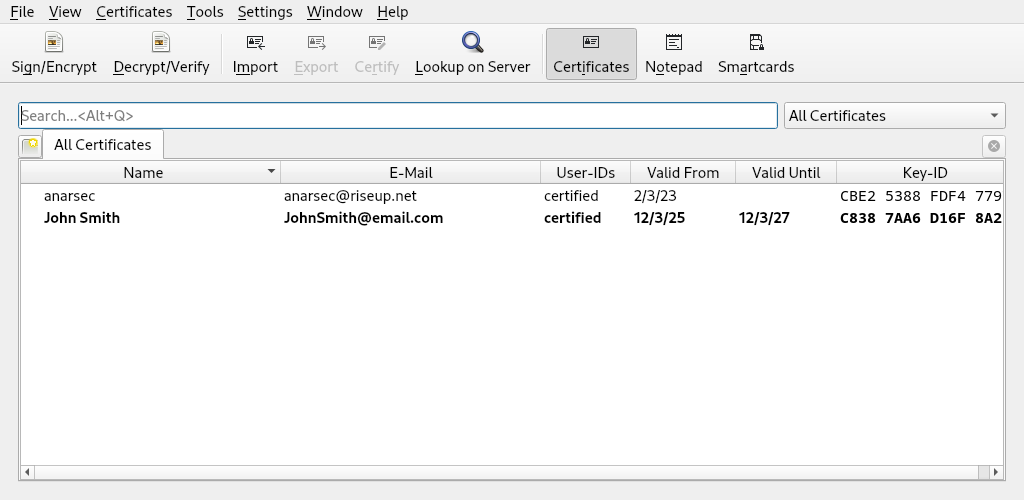
Now you should see anarsec.guide's public key on the list of certificates.
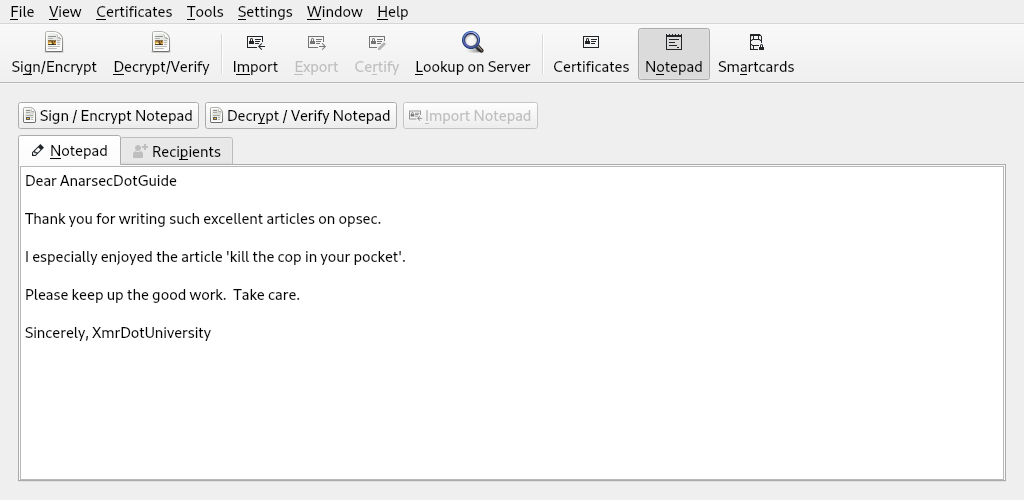
Click on 'Notepad'.
Now write a nice message for AnarsecDotGuide.
Now click the 'Recipients' tab. Choose anarasec under 'Encrypt for others'.
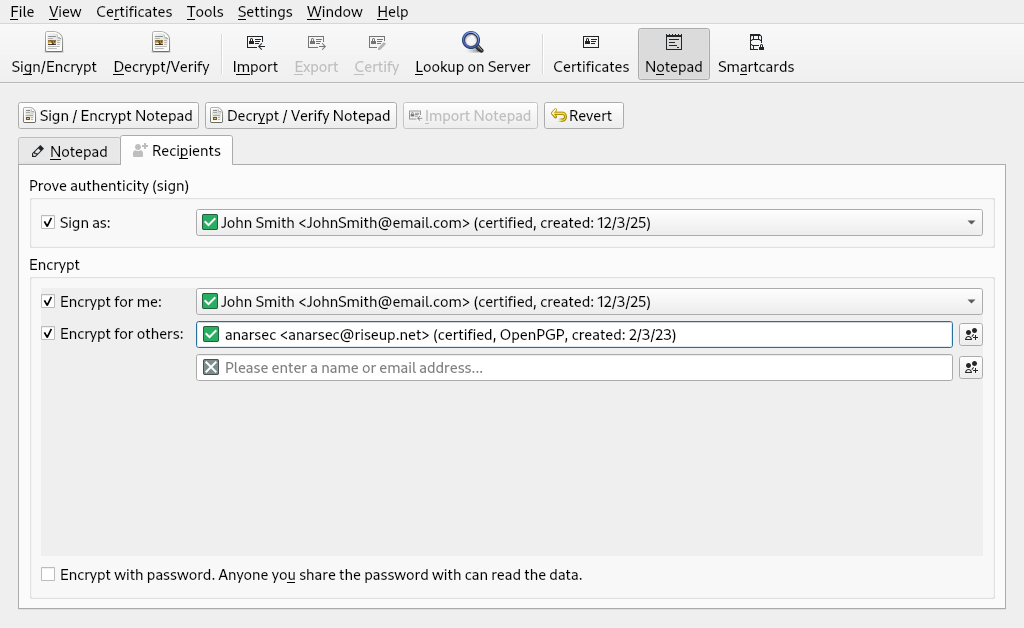
Return to the 'Notepad' tab. Click 'Sign / Encrypt Notepad' button. That's it!
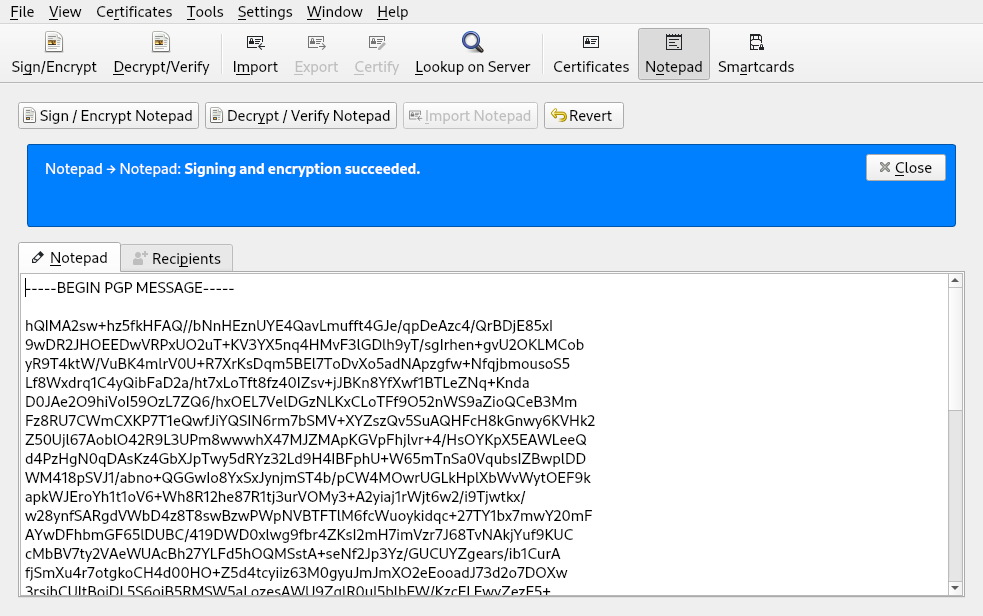
Now just copy all the text in Kleopatra's notepad and paste it into an email for anarsec.
For your information, this is AnarsecDotGuide's email address: anarsec (at) riseup (dot) net
You're really good at this!