Nov 20 2025
Debian Bookworm (oldstable) or Bullseye (oldoldstable)
1. On the host: Open a terminal.
sudo apt update
3. Install the Debian fasttrack signing key.
sudo apt install --no-install-recommends fasttrack-archive-keyring
4. Add the Debian fasttrack repository.
echo 'deb https://fasttrack.debian.net/debian/ bookworm-fasttrack main contrib non-free' | sudo tee /etc/apt/sources.list.d/fasttrack.list
5. Add Debian the backports repository.
echo 'deb https://deb.debian.org/debian bookworm-backports main contrib non-free' | sudo tee /etc/apt/sources.list.d/backports.list
6. Update the package lists again.
sudo apt update
7. Install VirtualBox and Linux kernel headers.
sudo apt install --no-install-recommends virtualbox-qt linux-headers-$(dpkg --print-architecture)
8. Add your current user to group vboxusers.
sudo adduser $(whoami) vboxusers
9. Done.
You just installed VirtualBox. For VirtualBox, we'll download the Whonix virtual machines here.
See here for instructions on how to import the Whonix virtual machines.
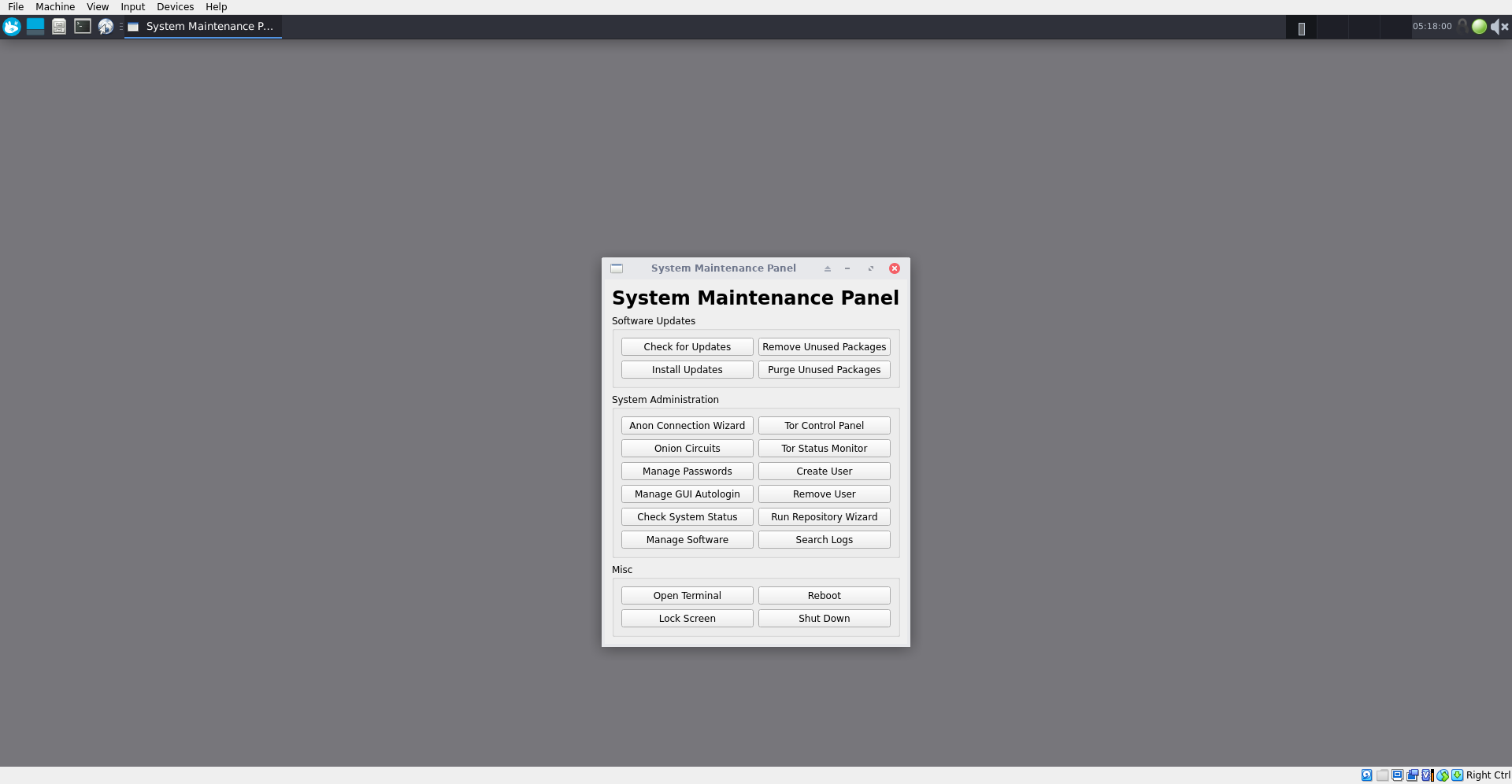
Boot the gateway. Select Tor Control Panel. Choose your bridge type. Update/upgrade:
upgrade-nonroot
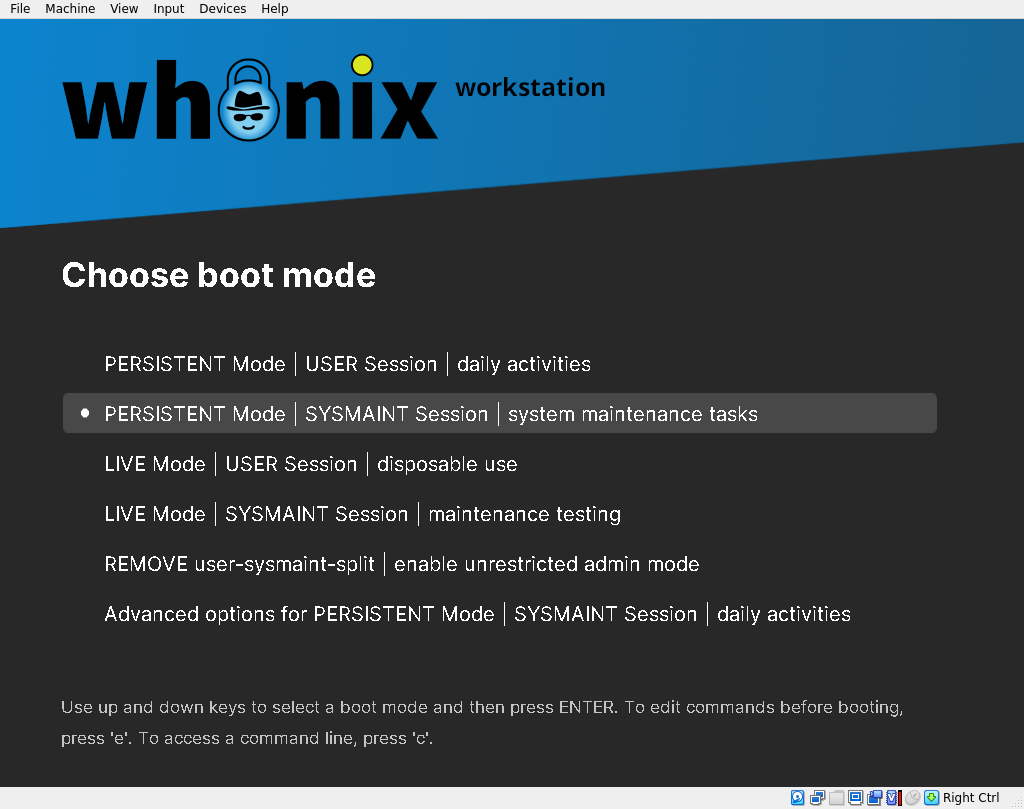
Boot gateway and workstation. Update/upgrade workstation using 'SYSMAINT session'.