
Dec 18 2025
Before following this tutorial, you should read my blog on 'Considering a DNM'.
You should be using Tails or Whonix for this. I'm not condoning anything illegal.
To get the link for the popular Dark Matter onion service, download XMRU KeePassXC file.
Make sure you have disabled JavaScript. Copy the link, restart browser, enter the onion.
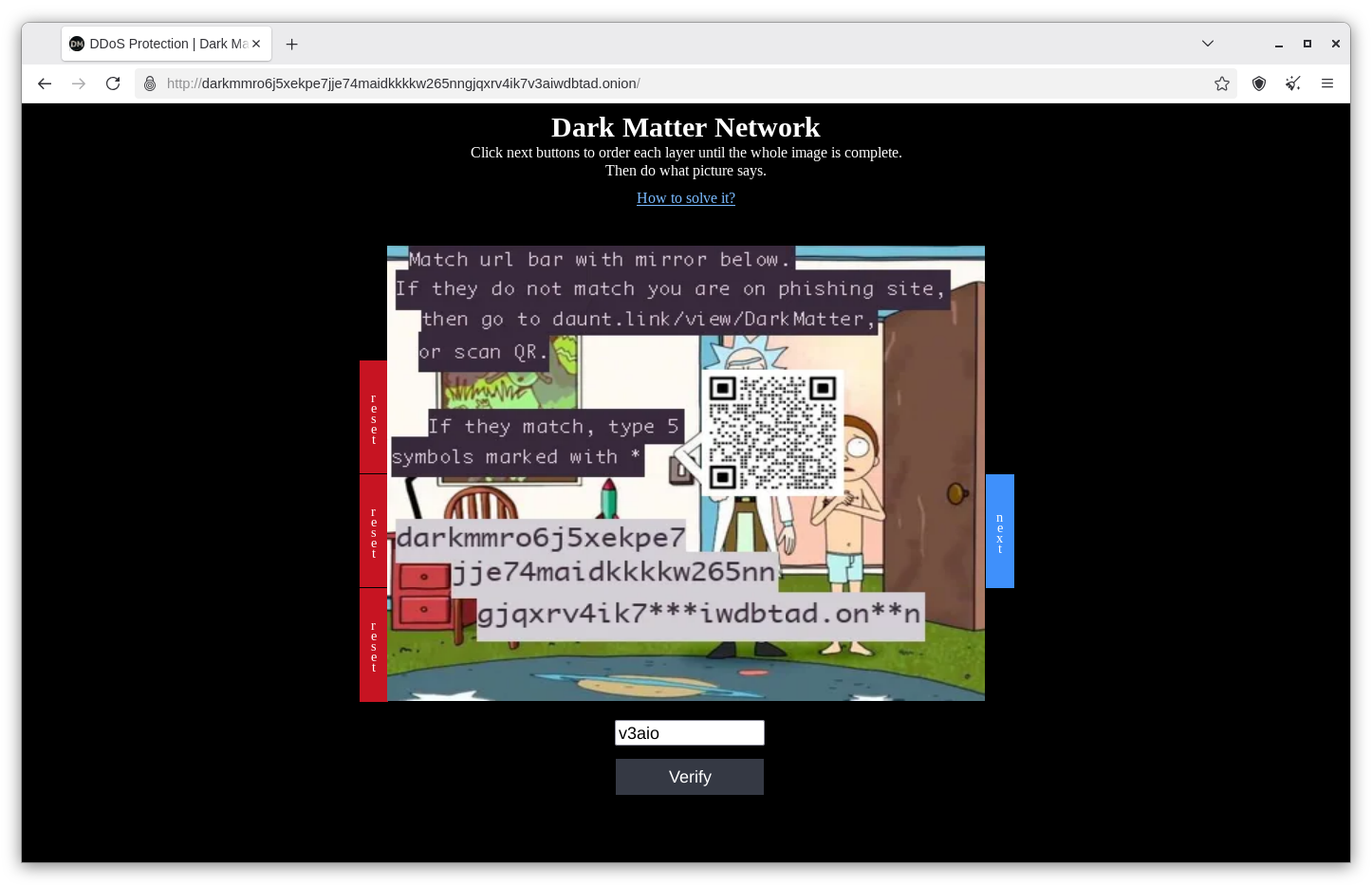
Can you solve this captcha? I think you've got what it takes!
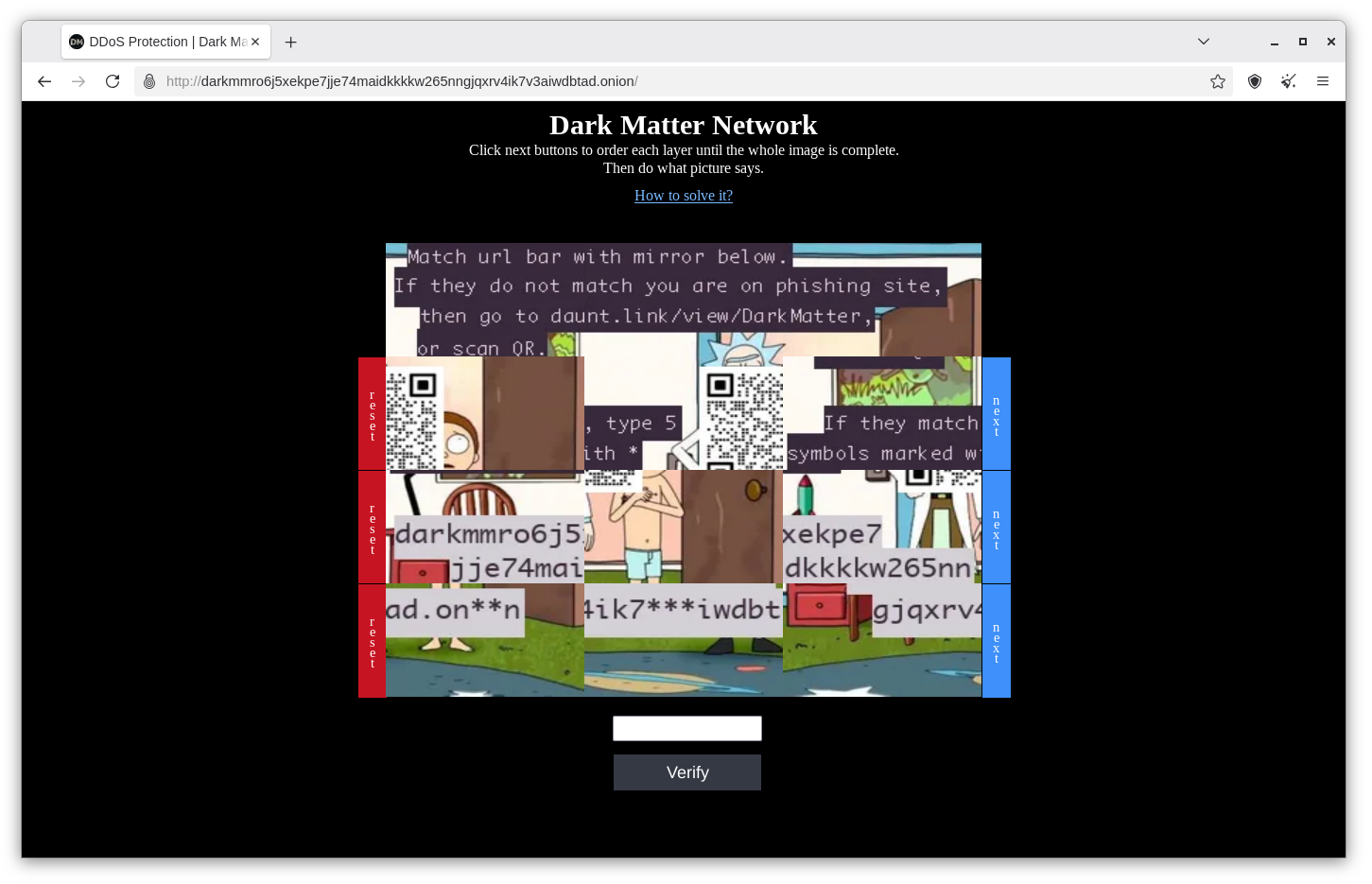
Great work! This looks nice. Click on 'Verify'
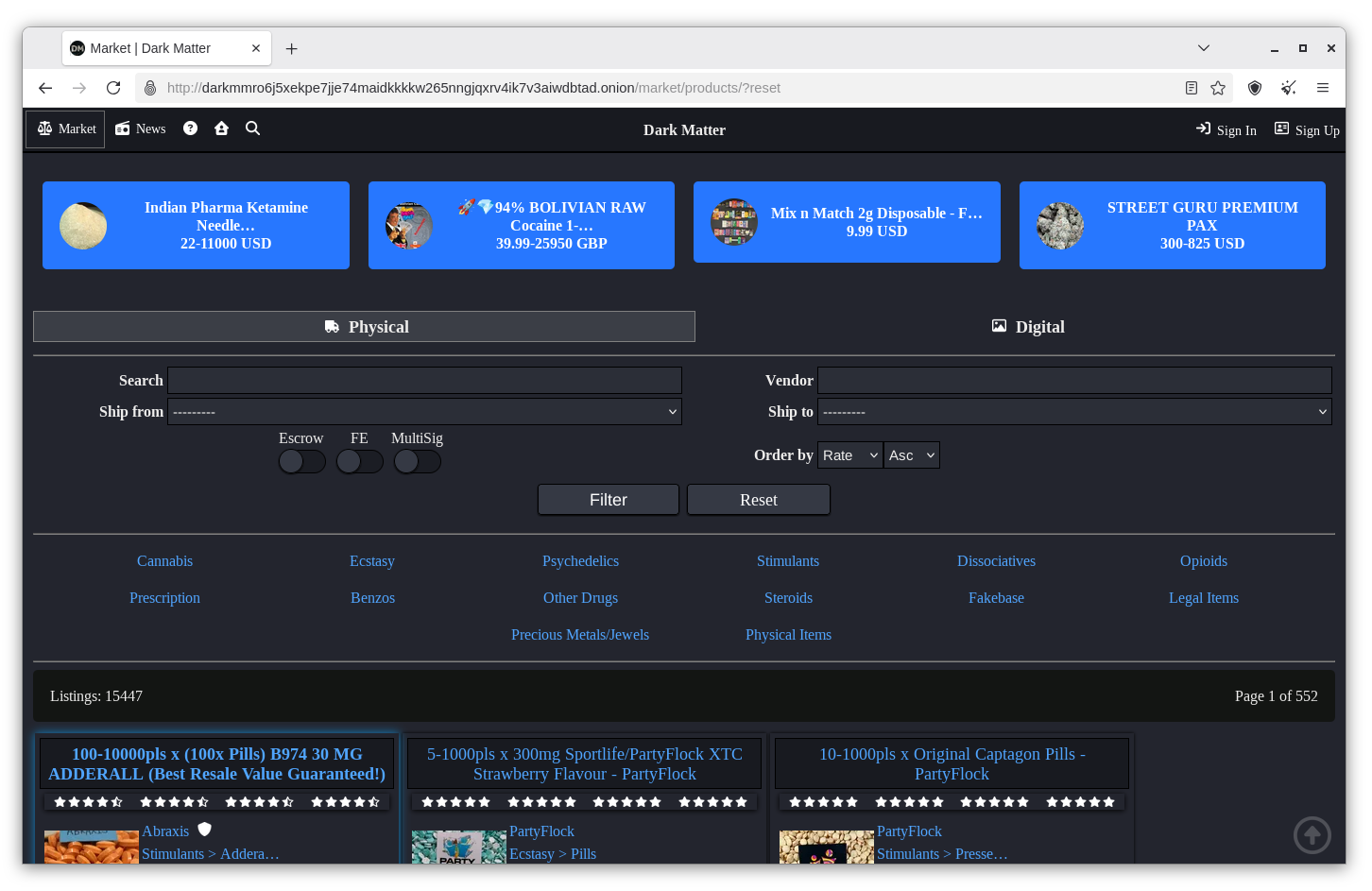
Here is a list of items for sale. Let's select something legal of course. Click on 'Legal Items'
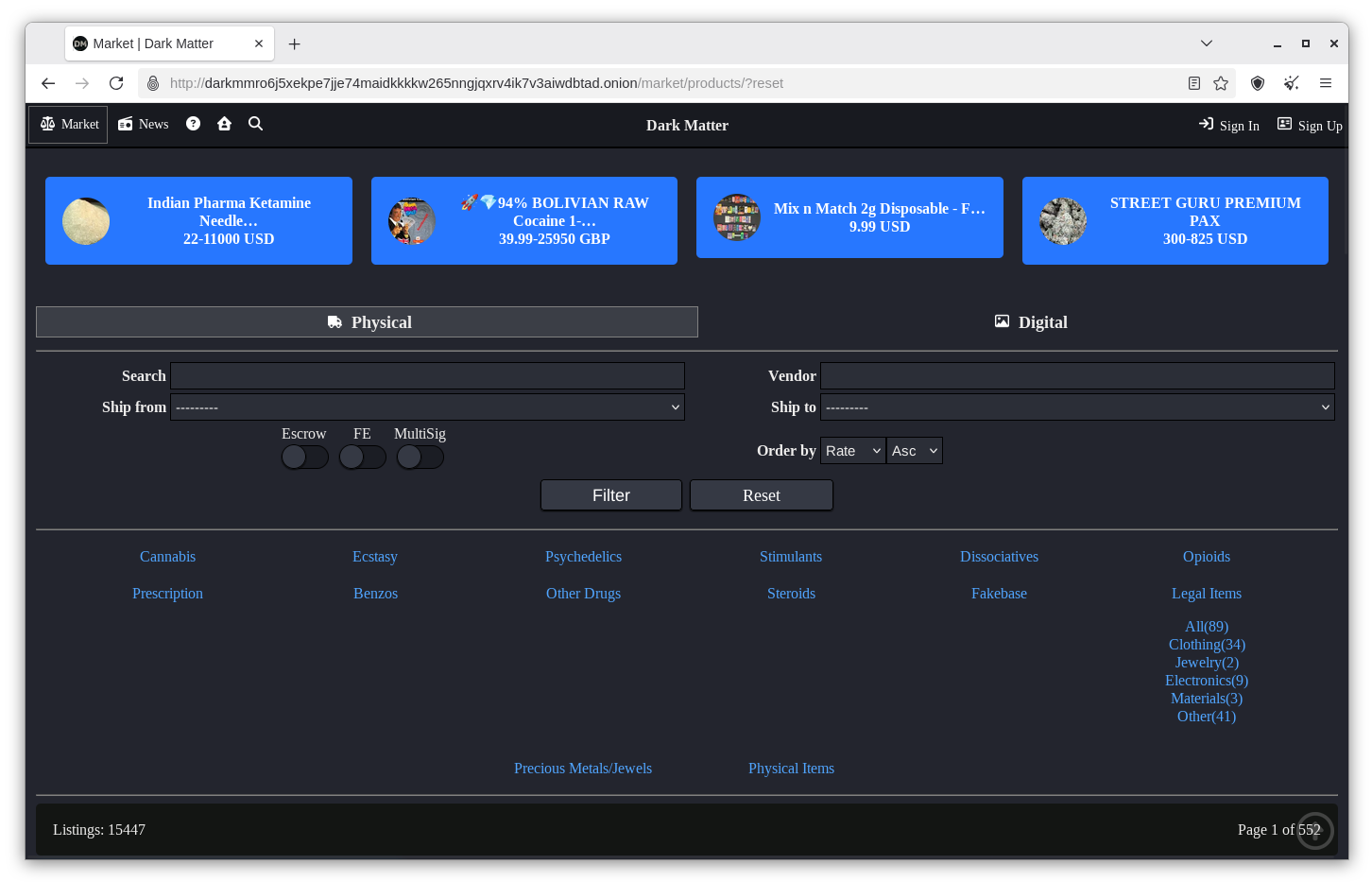
Click on 'All'
Pick something you really can't live without. Because remember Monero is valuable.

Hey, how about this? I'm gonna send them a message. First I need their public PGP key.
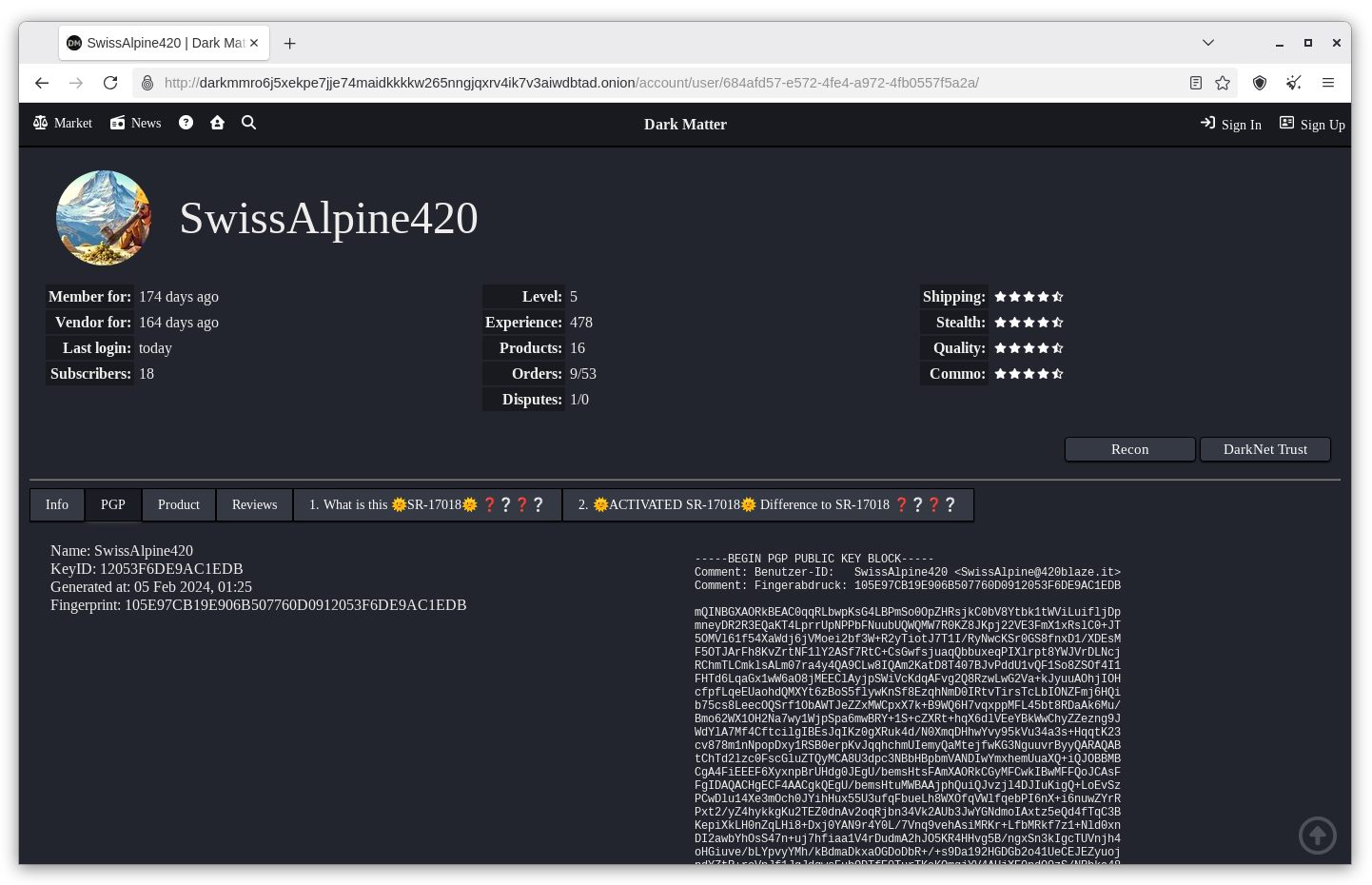
Click on the 'SwissAlpine420' link right where it says 'Vendor'

Now click on the 'PGP' tab.

Copy and paste the vendor's entire PGP public key into a text file. Save the file.
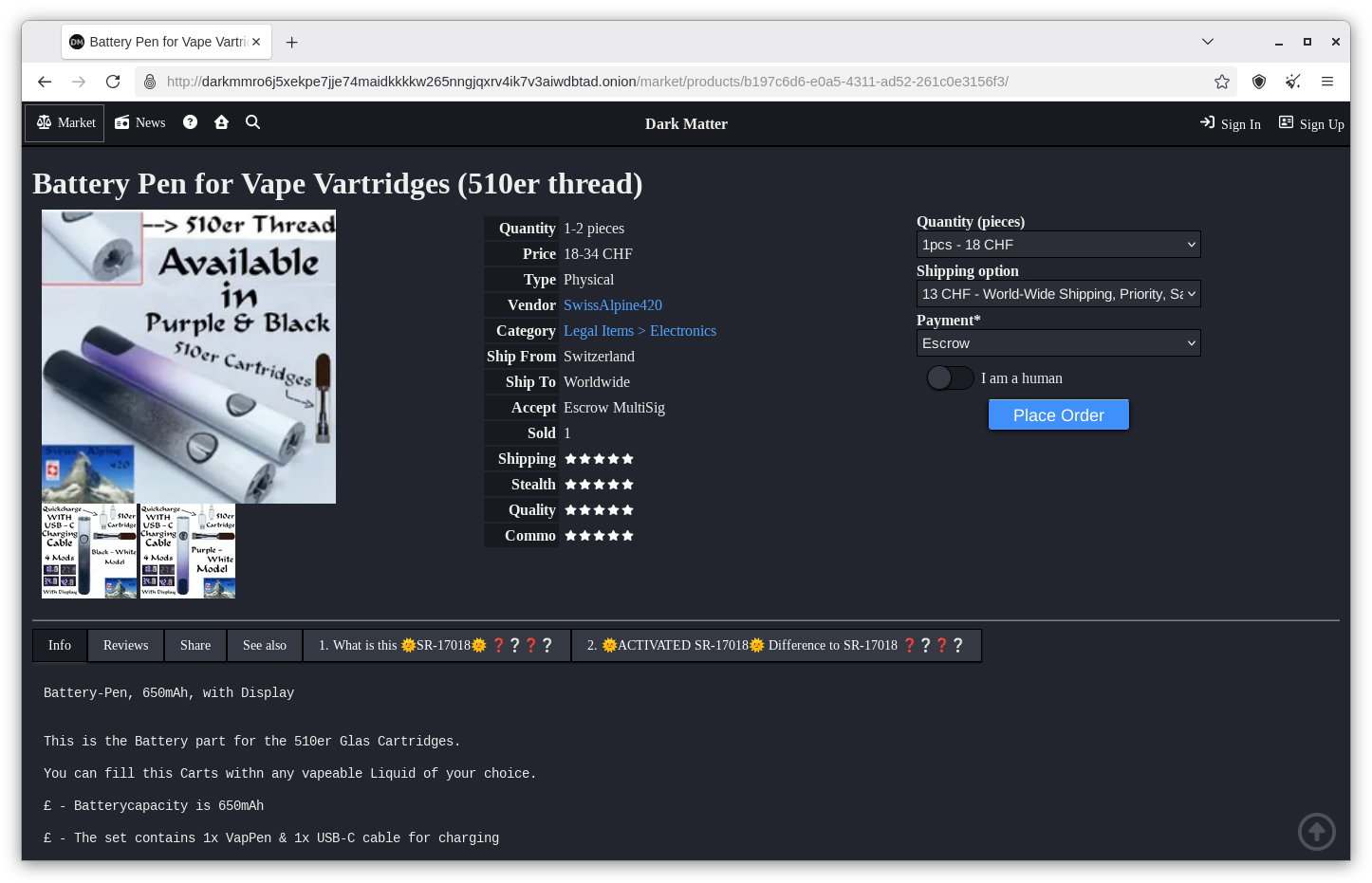
Return to the products page.
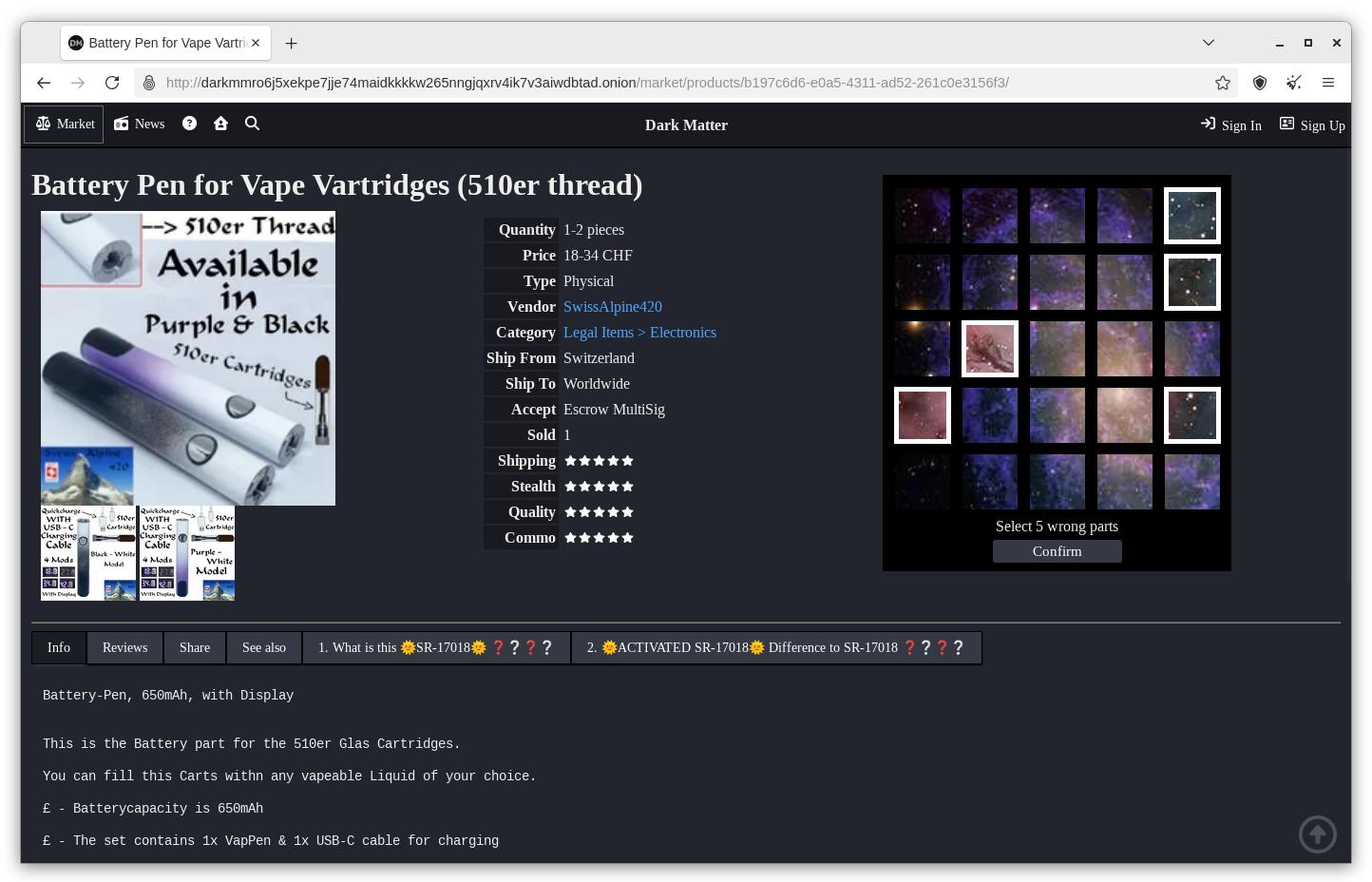
Tick 'I am a human' and select five wrong parts to prove it. Click 'Confirm'
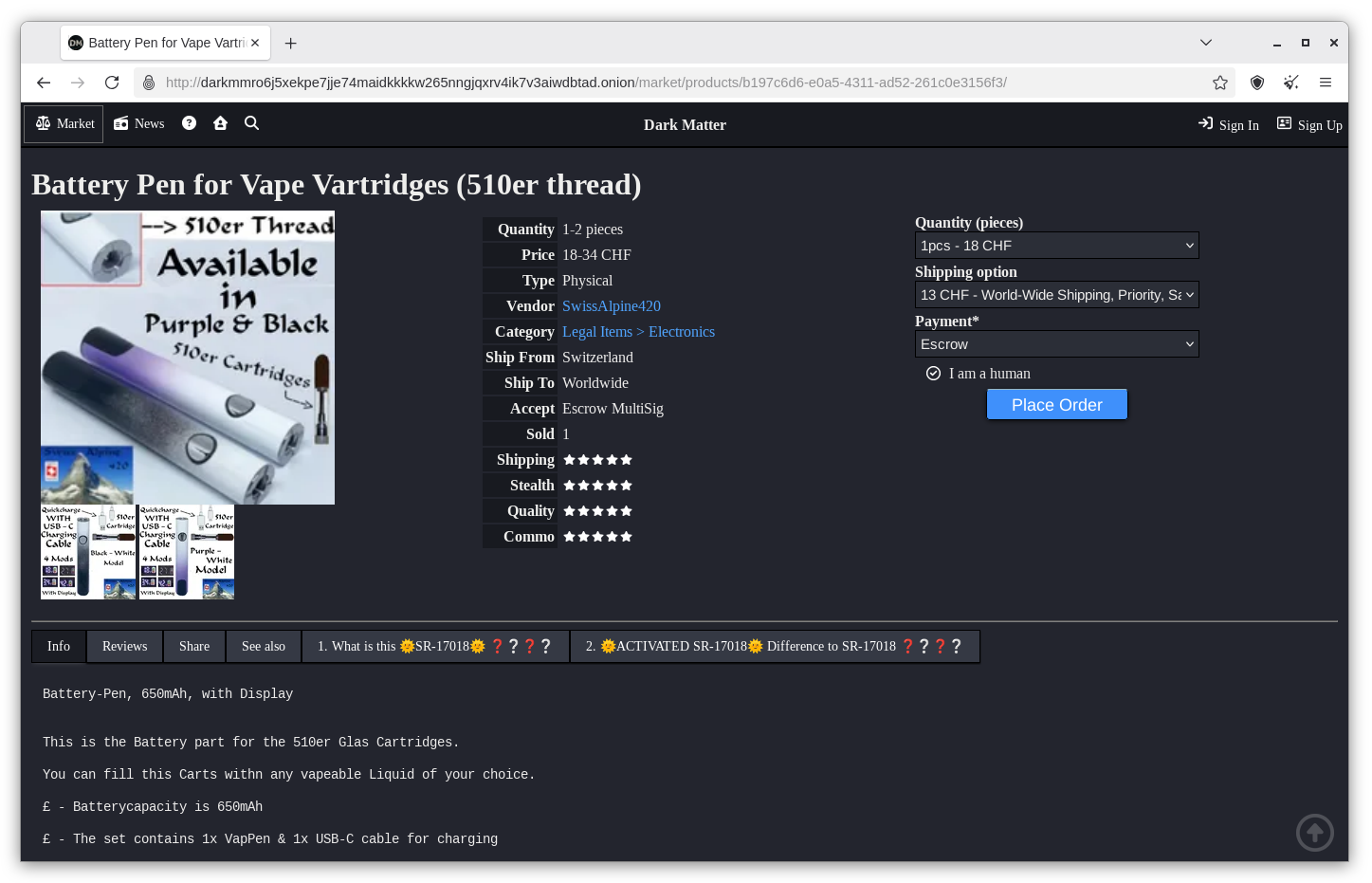
Click on 'Place Order'
Tick 'I have read and agree with the markets and vendors terms and conditions'
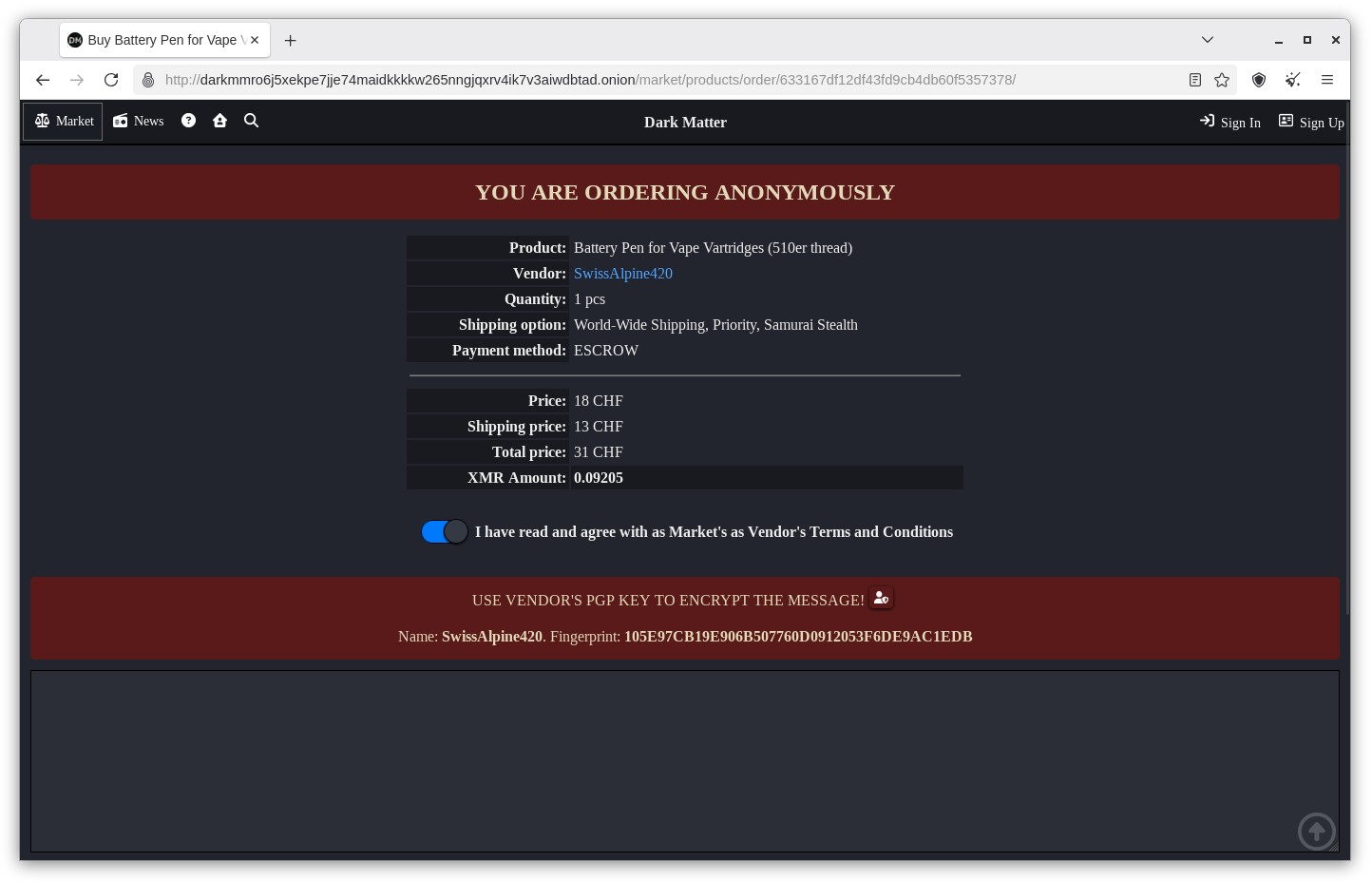
Follow my guide on Kleopatra here to encrypt the address using PGP.
You'll need to use the vendor's public PGP key which you saved to file earlier.
Once the desired address is encrypted, paste it into the box. Click on 'Order'
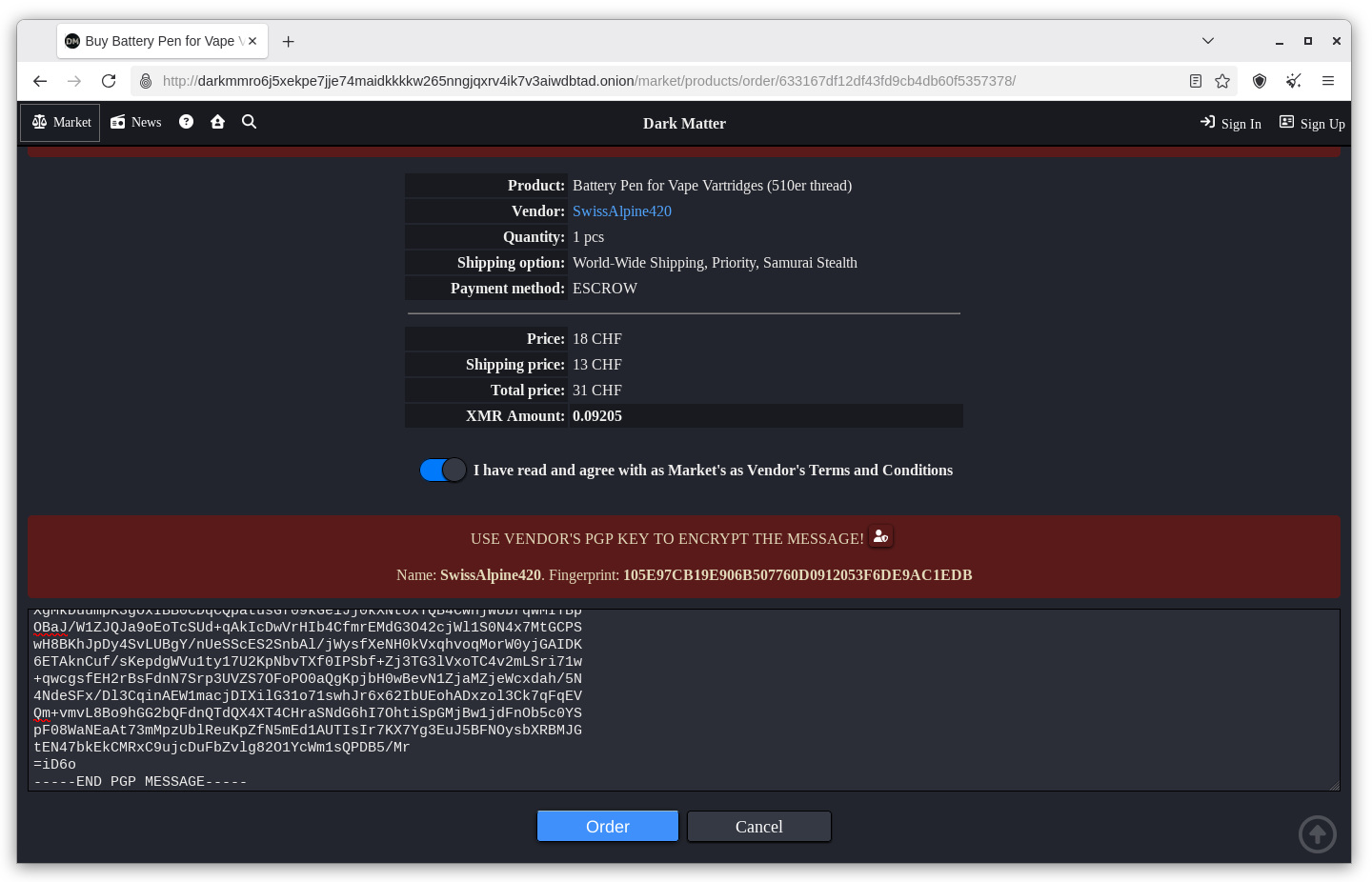
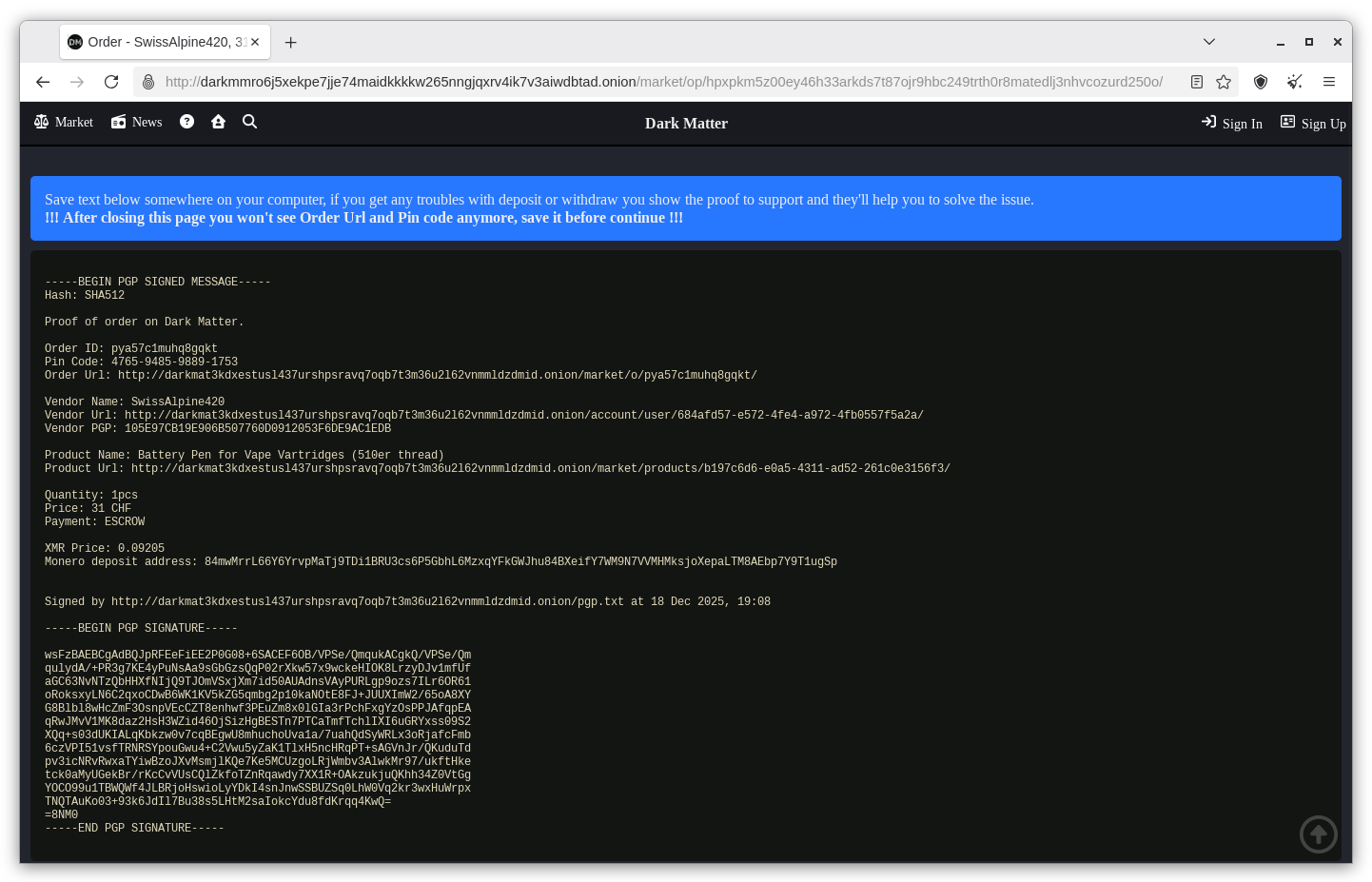
In case something goes wrong, you can copy and paste this into your KeePassXC notes.
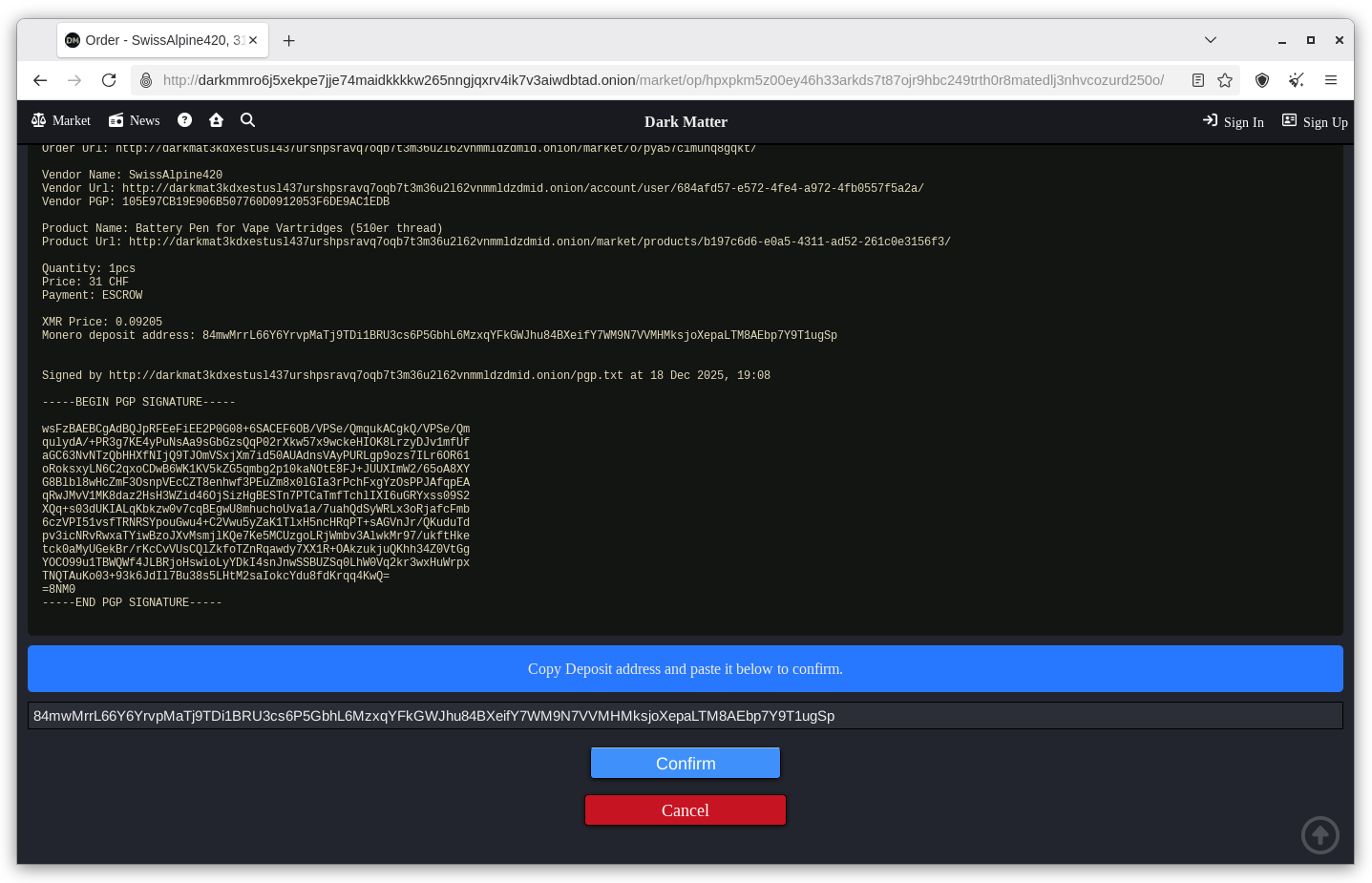
Paste the given Monero deposit address into the bar at the bottom of the screen. Click 'Confirm'
Here is the amount of Monero you will be charged and the receiving address you send it to.
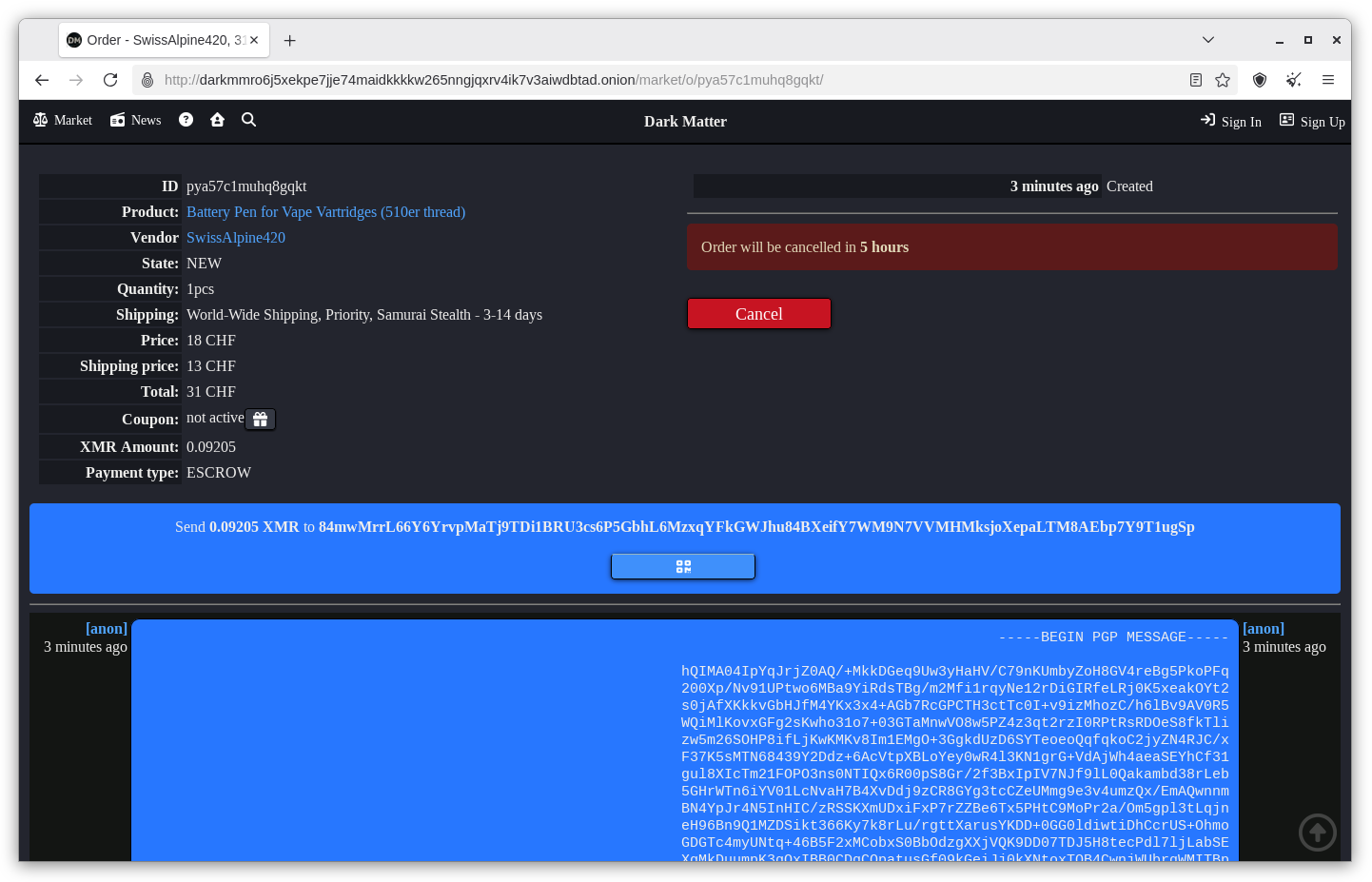
If you haven't set up a Featherwallet yet, see my guide here.
Open your Featherwallet. Click on the 'Send' tab. Copy and paste the address and amount.
Click on 'Send'
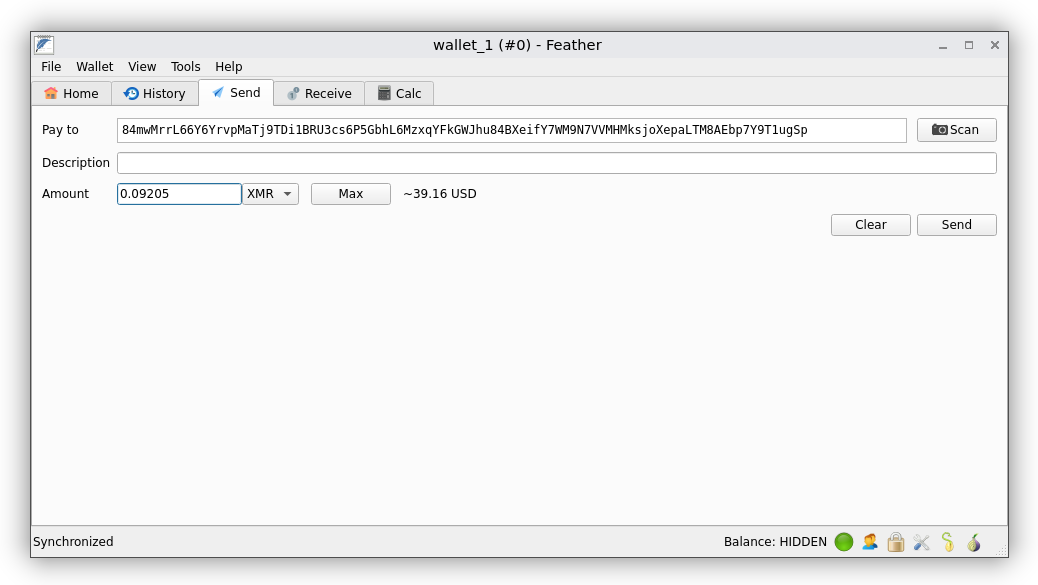
Click on 'Send'
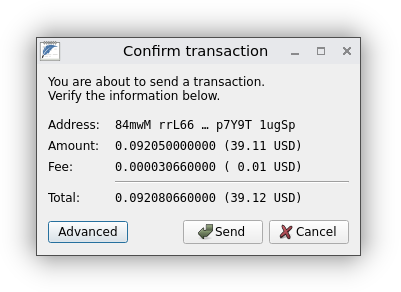
Click on 'Okay'
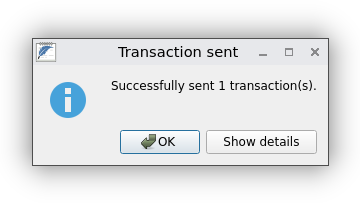
Congratulations, you did it! Now keep calm and carry on.